ShopDreamUp AI ArtDreamUp
Deviation Actions


Suggested Deviants


Suggested Collections


You Might Like…


Featured in Groups




Description
You will need a flash player to view this video... please click here to download if you cannot see the video [link]
You must have basic knowledge of photoshop to do this tutorial.
The Stamps here at dA were originally created by $liquisoft.
=ipholio is the creator of the mini stamp.
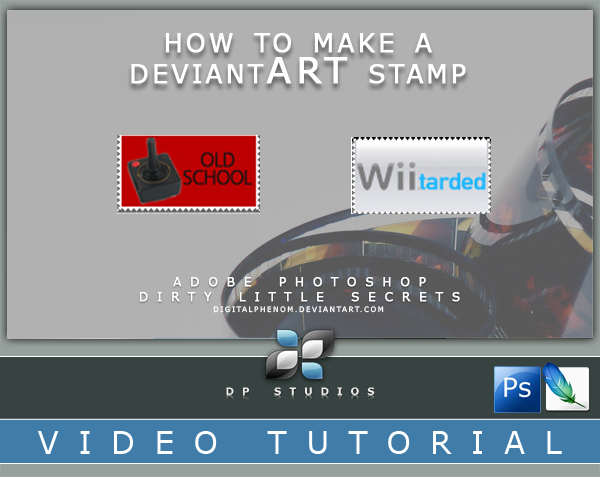
This is a video tut that will show you how to make a dev stamp.
Im not the creator of this..nor claim to be..these have been done a million times in other tutorials here on da....I have only sped the process up a bit with some short cuts in Photoshop.
I hope it helps.
 UPDATE....if you want to preserve transparency and you have IE6 or older you could also save this as a GIF image. Thanks to Vectortrance for reminding me.
ALSO your final stamp size should be 99 x 56 pixels.
Steve
DP Studios
credit: film [link] ~clandestine-stock
You must have basic knowledge of photoshop to do this tutorial.
The Stamps here at dA were originally created by $liquisoft.
=ipholio is the creator of the mini stamp.
This is a video tut that will show you how to make a dev stamp.
Im not the creator of this..nor claim to be..these have been done a million times in other tutorials here on da....I have only sped the process up a bit with some short cuts in Photoshop.
I hope it helps.
UPDATE....if you want to preserve transparency and you have IE6 or older you could also save this as a GIF image. Thanks to Vectortrance for reminding me. ALSO your final stamp size should be 99 x 56 pixels.
Steve
DP Studios
credit: film [link] ~clandestine-stock
Image size
701x529px 8.78 MB
© 2007 - 2024 DigitalPhenom
Comments629
Join the community to add your comment. Already a deviant? Log In

Wii wasn't THAT bad. It made more money than someone could fit into a Mack Trailer. However, I agree that the A2600 was a masterpiece.